 Harvey Zhao
59e9a32ecb
Harvey Zhao
59e9a32ecb
Refactor styles for consistency and improved theming

- Updated context menu styles to use new spacing and surface mixins.
- Adjusted control styles to utilize touch hit size for better accessibility.
- Refined info panel padding and applied panel surface mixin for uniformity.
- Standardized mini player transitions and background colors.
- Introduced new mixins for panel surfaces and flyout animations.
- Enhanced notice padding and applied consistent spacing variables.
- Updated plugin styles to use new icon sizes and panel surface mixin.
- Improved progress bar styles with consistent surface and shadow properties.
- Refactored selector styles to utilize new surface mixin and flyout animations.
- Streamlined setting panel styles with consistent spacing and hover effects.
- Added new variables for spacing, surface colors, and icon sizes.
- Updated volume panel styles to use new spacing and flyout animations.

feat(cssVar): add new CSS variables for enhanced theming and layout

Refactor styles in ArtPlayer

- Updated transition properties across various LESS files to use the new `--art-ease-standard` variable for consistency.
- Added new CSS variables for mobile padding and border radius.
- Introduced shadow variables for different elevation levels.
- Minor adjustments to ensure proper formatting and consistency in LESS files, including adding missing newlines at the end of files.

refactor: replace art-text-muted mixin with direct font-size in setting.less

Refactor styles for context menu, info panel, and settings

- Updated font sizes to use the new variable `--art-font-size-sm` for consistency across context menus, info panels, and settings.
- Introduced a new mixin `.art-menu-item-base` to standardize menu item styles, including padding and hover effects.
- Adjusted padding and positioning for tooltip elements in the progress bar.
- Added new CSS variables for tip padding and offset to enhance maintainability and readability of styles.

🎨 ArtPlayer.js is a modern and full featured HTML5 video player




・ Online Editor ・ API Document ・ Danmuku ・ Changelog ・ 🤖LLMs ・
Home Page
Mobile Demo

Features
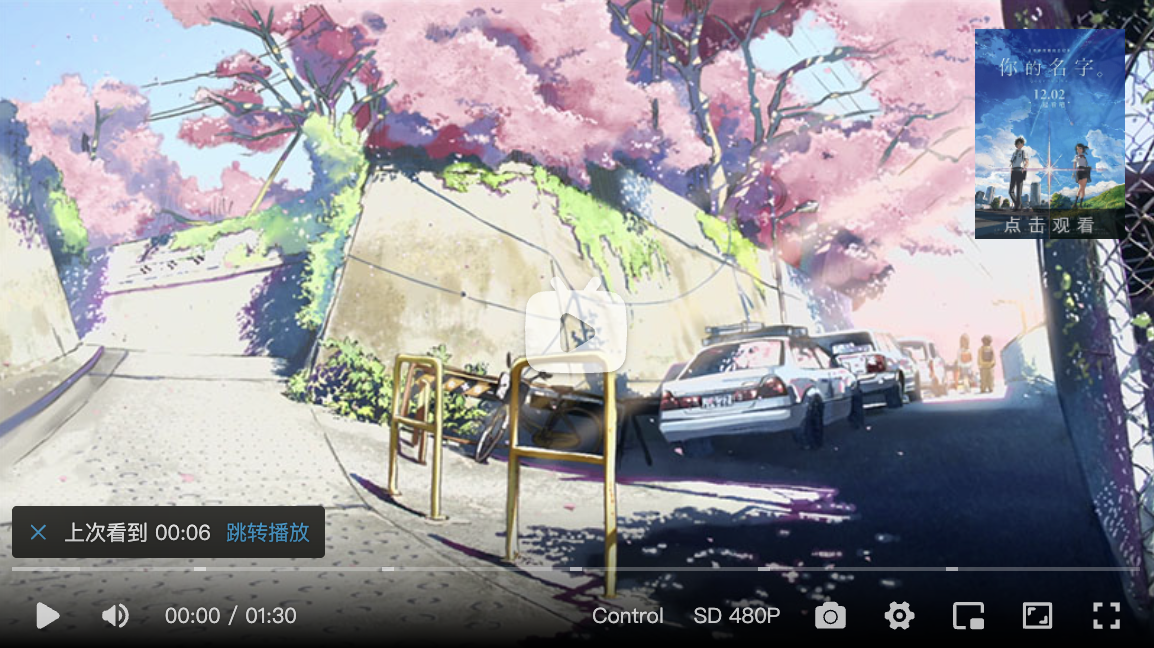
ArtPlayer.js is an easy-to-use and feature-rich HTML5 video player, and most of the player's functional controls support customization, which makes it easy to connect with your business logic. In addition, it directly supports .vtt, .ass and .srt subtitle formats. Integration with other dependencies such as flv.js, hls.js, dash.js, etc. is also very simple. The code is highly decoupled, the structure and logic are clear, and it is easy to track errors and add new features.
Install
Install with npm:
$ npm install artplayer
Or install with yarn:
$ yarn add artplayer
import Artplayer from 'artplayer'
Or umd build also available:
<script src="path/to/artplayer.js"></script>
Or from CDN:
<!-- jsdelivr -->
<script src="https://cdn.jsdelivr.net/npm/artplayer/dist/artplayer.js"></script>

<!-- unpkg -->
<script src="https://unpkg.com/artplayer/dist/artplayer.js"></script>
Will expose the global variable to window.Artplayer.
Usage
<div class="artplayer-app"></div>
let art = new Artplayer({
  container: '.artplayer-app',
  url: 'path/to/video.mp4',
})
Plugins
- artplayer-plugin-danmuku

- artplayer-plugin-iframe

- artplayer-plugin-hls-control

- artplayer-plugin-dash-control

- artplayer-plugin-vtt-thumbnail

- artplayer-plugin-multiple-subtitles

- artplayer-plugin-libass

- artplayer-plugin-chromecast

- artplayer-plugin-vast

- artplayer-plugin-chapter

- artplayer-plugin-auto-thumbnail

- artplayer-plugin-ambilight

- artplayer-plugin-document-pip

- artplayer-plugin-danmuku-mask (WIP)
- artplayer-plugin-ads (WIP)
- artplayer-plugin-asr (WIP)
- artplayer-plugin-liquid-glass (WIP)
Libraries
Proxys
- Canvas

- Mediabunny (WIP)
Changelog
Contributing
Donations
We accept donations through these channels:

QQ Group


License
MIT © Harvey Zack